 raminfotech laptop service
2 hours ago in Agriculture & Farming
High Authority Social Bookmarking Site for Indian SEO in 2026 - A2Bookmarks India
A2Bookmarks India stands as the nation's premier social bookmarking site, expertly crafted for Indian users and businesses to enhance their digital visibility. Our social bookmarking site for India allows you to seamlessly save, organize, and promote essential web content while engaging with India's rapidly expanding online community. As one of the most effective Indian social bookmarking sites for 2026, our advanced SEO-optimized features help significantly boost website traffic and strengthen search engine presence across diverse markets. Join our thriving network among India's top social bookmarking sites to discover curated content, connect with industry professionals, and accelerate your digital growth. Start maximizing your online impact today with our tailored platform among the best social bookmarking sites for the Indian market designed specifically for the Indian digital landscape.
Laptop Overheating and Sudden Shutdowns: Causes, Prevention, and When to Seek Expert Service raminfotech.co.in
raminfotech laptop service
2 hours ago in Agriculture & Farming
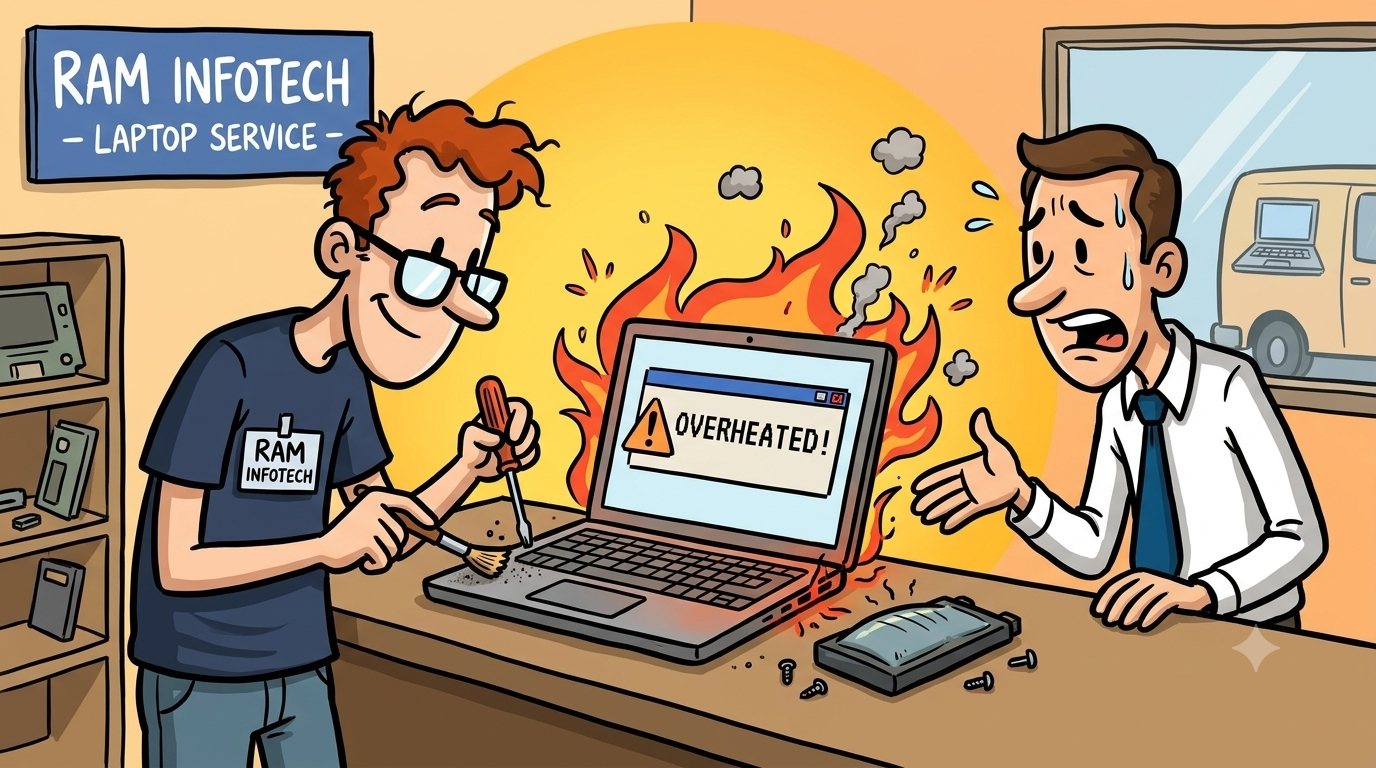
Does your laptop fan sound like a jet engine, or does the keyboard feel uncomfortably hot during routine tasks? Laptop overheating is more than just an annoyance—it is one of the leading silent killers of motherboards, batteries, and graphics chips. When internal temperatures rise beyond safe limits, your processor automatically slows down (thermal throttling) to protect itself, causing sudden lag, frame drops, and unexpected shutdowns.
Top Reasons Your Laptop is Overheating
Even high-end business and gaming laptops develop heat issues over time due to everyday wear:
-
Clogged Cooling Vents & Fans: Dust, lint, and pet hair accumulate inside the heatsink fins, blocking airflow and trapping heat inside the chassis.
-
Dried-Out Thermal Paste: The thermal compound sitting between the CPU/GPU and the heatsink dries up after 18–24 months, drastically reducing heat transfer efficiency.
-
Degraded or Swollen Battery: An aging lithium-ion battery generates excessive heat while charging and poses a serious risk of damaging the trackpad and internal frame.
-
Faulty Cooling Fan or Heatsink: Worn-out fan bearings prevent proper air circulation, pushing motherboard components to critical temperatures.
Why DIY Cleaning Isn’t Always Enough
While blowing compressed air into external vents can remove surface dust, deep internal servicing requires safely disassembling the laptop, cleaning the fan blades, replacing old thermal paste with high-conductivity compounds, and testing voltage rails. Attempting this without proper ESD-safe tools can easily damage delicate ribbon cables or motherboard capacitors.
Preventive Maintenance & Battery Replacement in Chennai
Whether you are an individual user experiencing battery drain and overheating, or a business managing multiple office laptops that need regular preventive maintenance, timely servicing keeps your devices running smoothly and extends their lifespan by years.
With 10 service branches across Chennai—including Vadapalani, Adyar, OMR, Velachery, Porur, Madipakkam, Tambaram, Ambattur, Guduvanchery, and Villivakkam—Ram Infotech provides thorough internal thermal servicing, genuine battery replacements, and multi-brand hardware diagnostics backed by nearly two decades of technical expertise.
To schedule a free diagnostic check or request doorstep pickup anywhere in the city, visit laptop overheating repair and battery replacement in Chennai.
Report Story
Related Stories











Recent Stories